
Edge
On the way · Edge Add-ons
One click sends the page, its readable text, and the URL straight to your memrynote Inbox. No copy-paste, no lost tabs. Read it later, file it, or turn it into a task — all in a vault you own.
Live on Chrome & Firefox · Edge on the way

On the way · Edge Add-ons
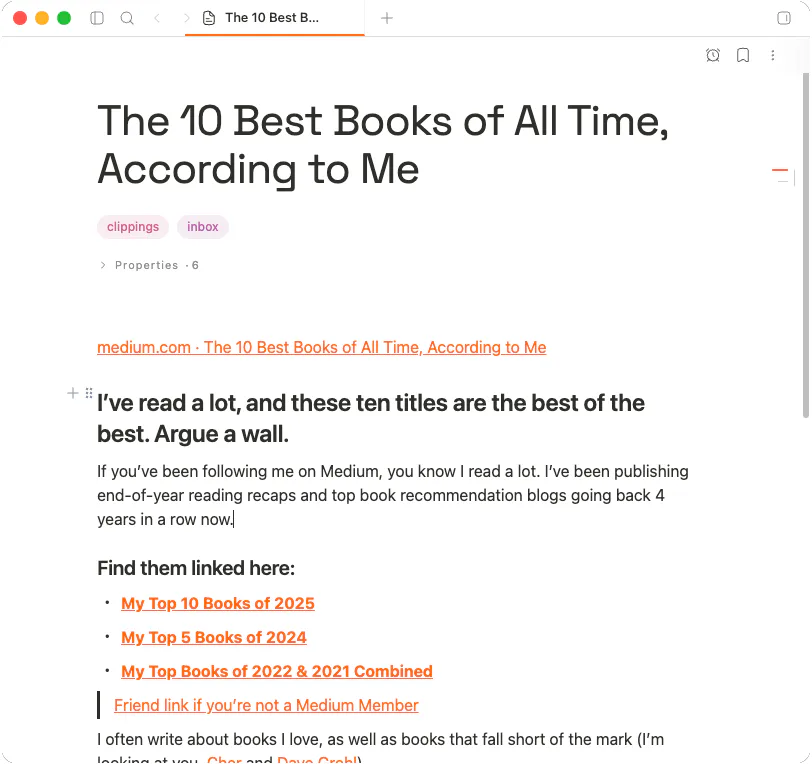
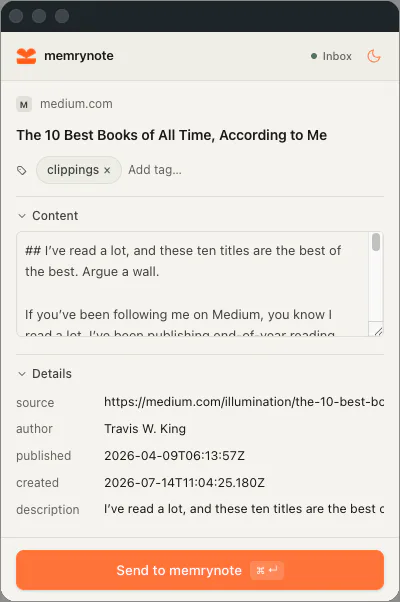
The clipper pairs with the memrynote desktop app. Install it in your browser, click once, and the link is yours — offline, searchable, and linkable like any other note.
Pin the extension and clip whatever you are reading — article, docs, a random link. It captures the title, URL, and content.
The clipper strips the noise and keeps the article. What lands in your vault is clean text you can actually re-read.
Every clip arrives in the memrynote Inbox. Read later, file into a folder, or convert it into a task — on your schedule.
Clips talk to your local app over loopback and sync end-to-end encrypted. The page you saved is nobody else’s business.
The clipper pairs with the desktop app. Set up your vault today and grab the extension for Chrome or Firefox — Edge is on the way.