Offline-first
Your vault lives on your disk. Open it on a plane. No spinners while the cloud thinks.
A local-first PKM that lives on your machine. Free, open source, and available for macOS, Windows, and Linux.
Signed builds with automatic updates. Pick yours.
Automatic updates keep you current. Source stays open on GitHub.
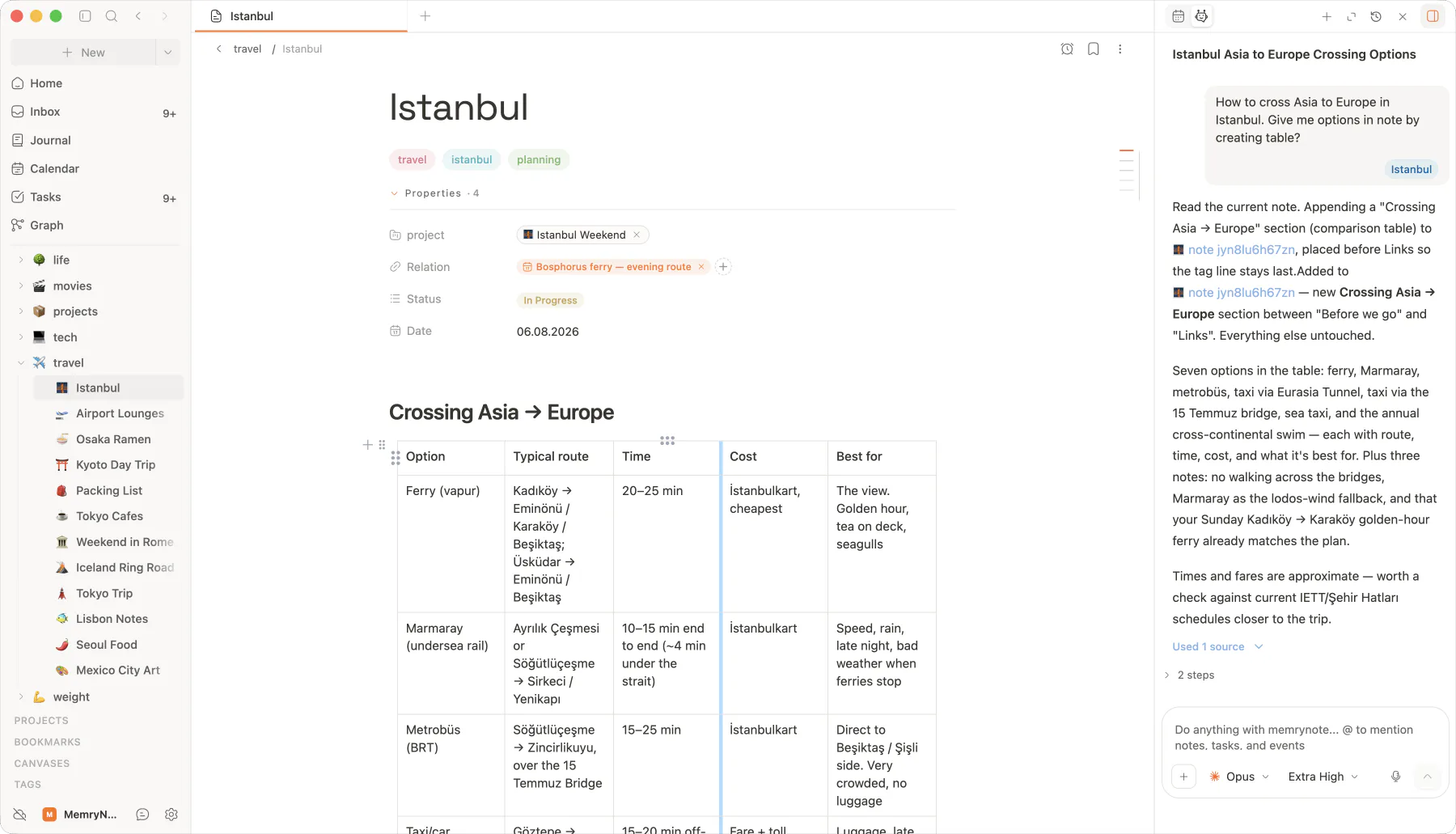
A native window for serious work. Local-first, encrypted, open source.
Your vault lives on your disk. Open it on a plane. No spinners while the cloud thinks.
When you turn sync on, XChaCha20-Poly1305 encrypts every byte before it leaves your machine. Server never sees plaintext.
Every note is a .md file in a folder you own. Read it in any editor. Portable forever.
Read the code, file the bug, submit the PR. The desktop app is built in the open.
Command palette, full-text search, tabs, split panes. Everything reachable in one keystroke.
⌘P jumps to anything. Notes, tasks, journal entries, settings.
Open as many notes as you want. Split vertically or horizontally. Drag tabs between panes.
SQLite FTS5 indexes your whole vault. Results in milliseconds.
Your vault is a folder. Sync it with iCloud, Dropbox, Syncthing, Git, or just leave it local.
Read the repo, file an issue, submit a PR. Built in the open from day one.
Turn on E2E-encrypted sync between your own devices when you want it. Pay nothing for the local app.
Grab the installer for your platform. Signed builds for macOS, Windows, and Linux.
Double-click the installer. macOS: drag to Applications. Windows: run the .exe. Linux: chmod and launch.
Create a new folder or point memrynote at an existing markdown folder (Obsidian vaults work directly).
Signed macOS, Windows, and Linux builds are available now, with automatic updates. The source stays open.
FAQ
Free, local, open source. Download memrynote and pick a vault in under a minute.